

CapCut for Windows
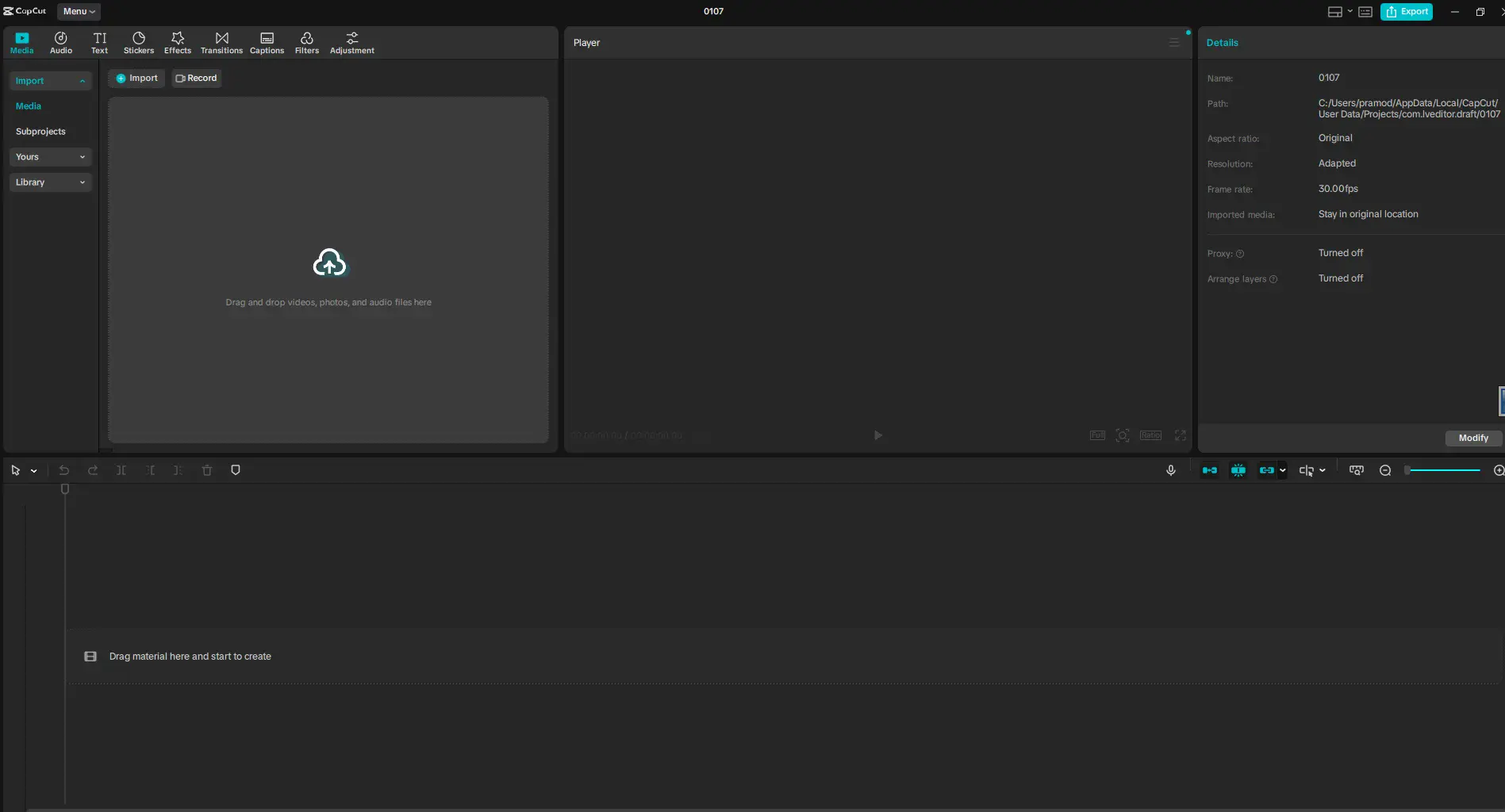
CapCut is a versatile video editing app that speeds up your workflow while also allowing you to produce professional video content. It is packed with powerful editing tools yet remains very simple to start with even if you lack all the basics of video editing. A lot of users turn to CapCut to edit and share quick videos, social media clips, and refined footage simply and effectively.
The Windows app is well-optimized and the feature of exporting files in top-quality is supported. Whether you are an occasional user or a content creator looking for rapid work results, this is the app for you.
Designed for fast and creative video editing
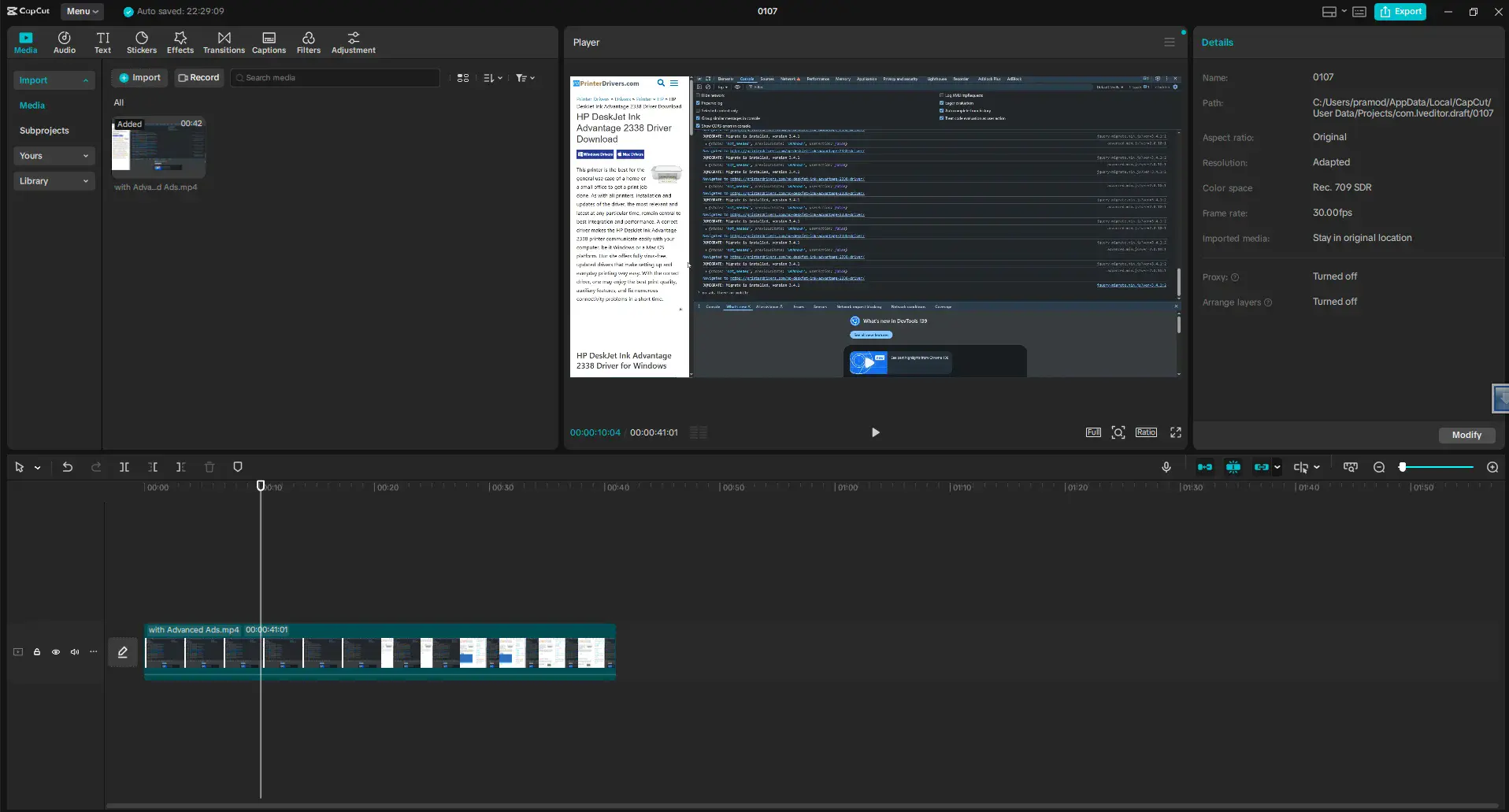
CapCut prioritizes speed and ease. It barely takes any effort to trim, merge, or change the speed of video clips, add transitions, etc.
The timeline remains neat and very responsive, giving users the chance to work on their videos without distractions. CapCut is thus very suitable for quick jobs and short-form content.
Easy Interface with Professional Tools
The interface is sleek and nicely laid out. Even if it is your first time using it, you will find that the tools are not far from your reach. Drag-and-drop editing makes it super easy to layout the clips and see the results straight away.
Besides, CapCut is equipped with innovative features like keyframe animation, split editing, and more precise timeline controls.
Effects, Filters and Text Tools
CapCut provides a comprehensive selection of filters, effects, and transitions. If you want to, you can also spice up your videos by adding text animation, captioning, and even stickers.
The in-built music library, sound effects, and the auto-captioning feature allows creators to come up with high-quality content without relying on external resources.
Optimized for Windows Performance
CapCut works perfectly on new Windows PCs. It is compatible with hardware acceleration which leads to faster rendering and thus better video playback.
The program can efficiently manage very high-resolution videos, therefore, if you have hardware that supports it, you can comfortably work in HD or 4K.
Completely Free with Optional Extras
CapCut is available for free download and use. Most of the editing features don’t require payment thus it is very accessible to anyone.
Any user who wants to explore more creative options can purchase premium assets and features.
Reasons for CapCut’s popularity
- Easy yet powerful editing environment
- Extensive library of effects, filters, and transitions
- Great fluency on Windows
- Mostly free of charge for common editing tasks
Disadvantages
- Some online features may be necessary for advanced editing
- Less suitability for handling complex professional workflows
- User interface changes frequently
Summary
CapCut is great for those Windows bettors who value quickness, newness, and visual smartness when video editing. It is a nice blend of user-friendliness and advanced features, which lends itself perfectly to the production of social media videos, short clips, and regular video editing.